
GPT Image 2 Free Unlimited AI Image Generator - Supports Image to Video
Use GPT Image 2 to generate polished images for product shots, characters, posters, storyboards, UI mockups, and reference frames. When the image is ready, animate it into AI video with Seedance 2.0 or Kling 3.


Real GPT Image 2 Results You Can Use
Finished images for real creative work: product ads, character references, infographics, style remixes, photo restoration, and first frames ready to animate.
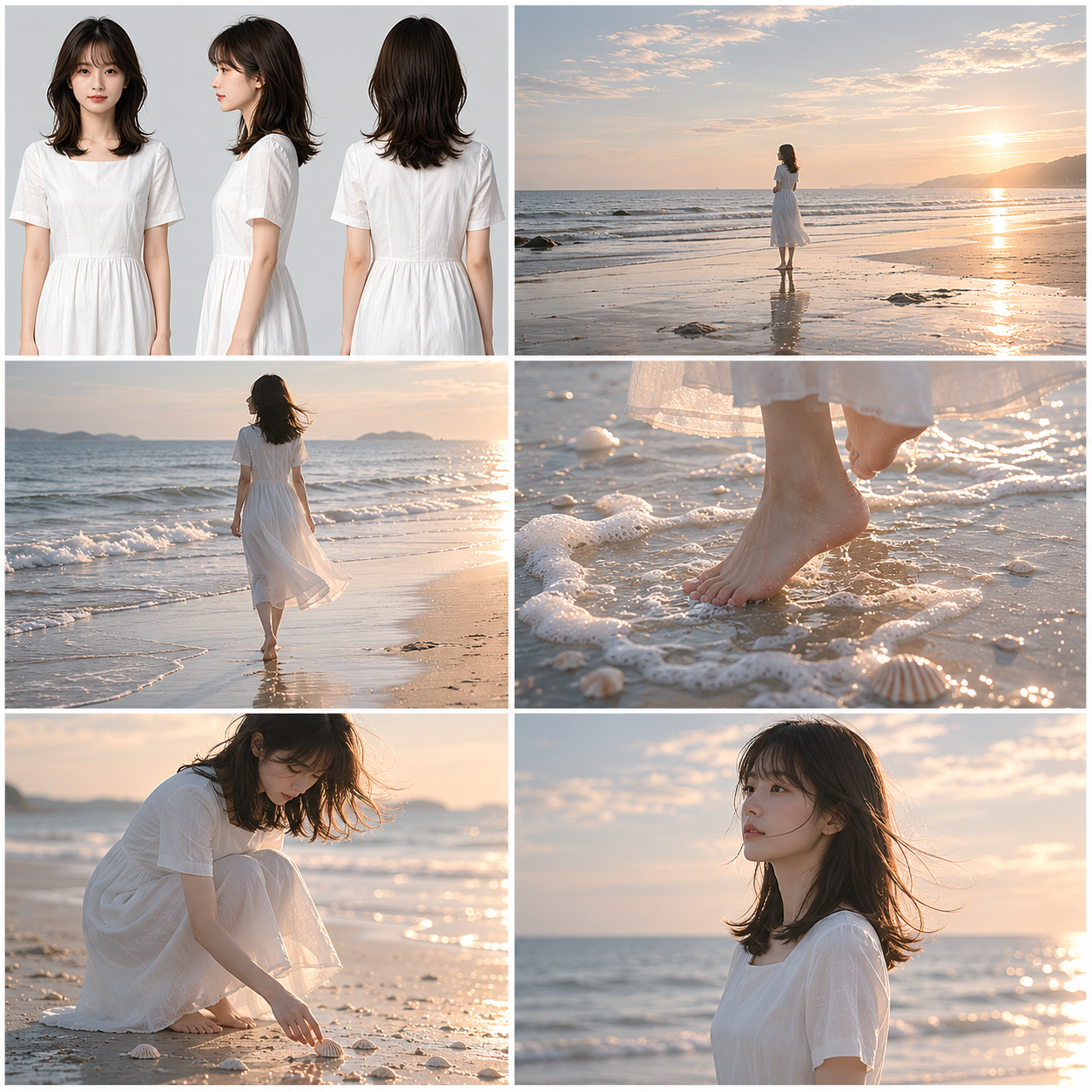
(是枝裕和式)电影风格美学,超写实影视分镜故事板概念设计,(是枝裕和/滨口龙介式)电影美学风格,横向9格标准影视预可视化排版,白色文档背景,横版构图,第一格内容是女主角肖像+三视图...
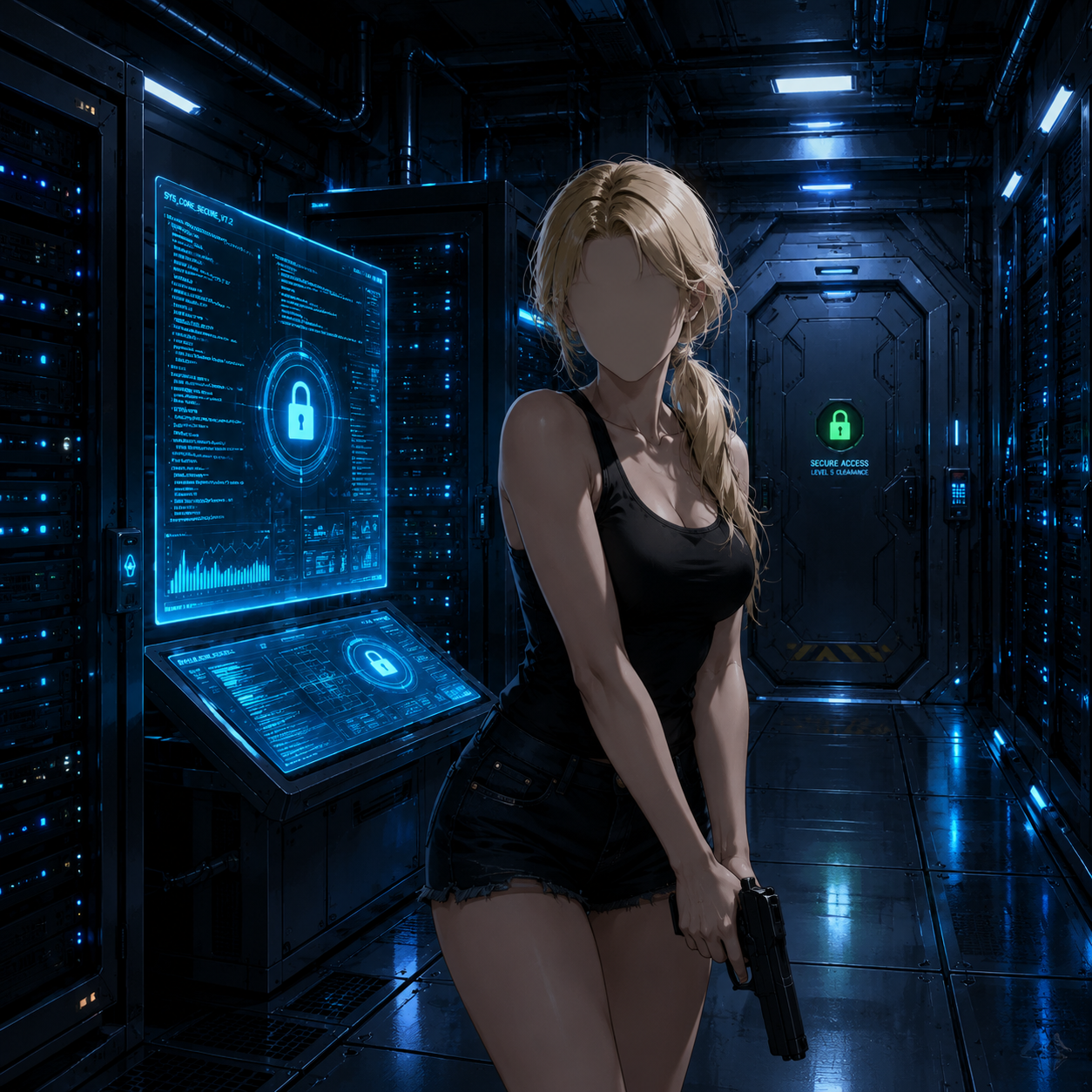
Create a polished anime-style sci-fi thriller scene in a dark futuristic server room....
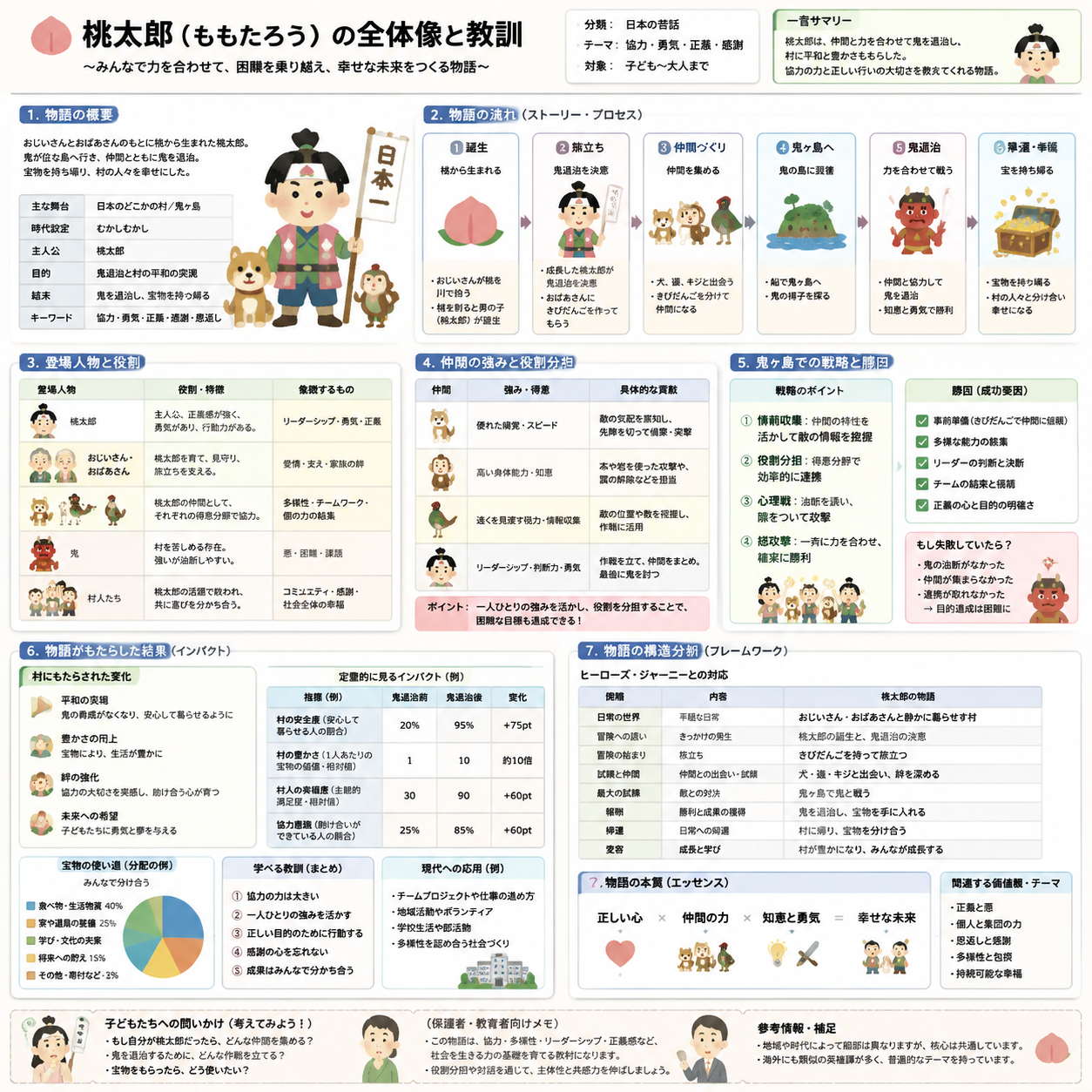
Create an explanatory slide ({argument name="format" default="ponchi-e diagram"}) for...
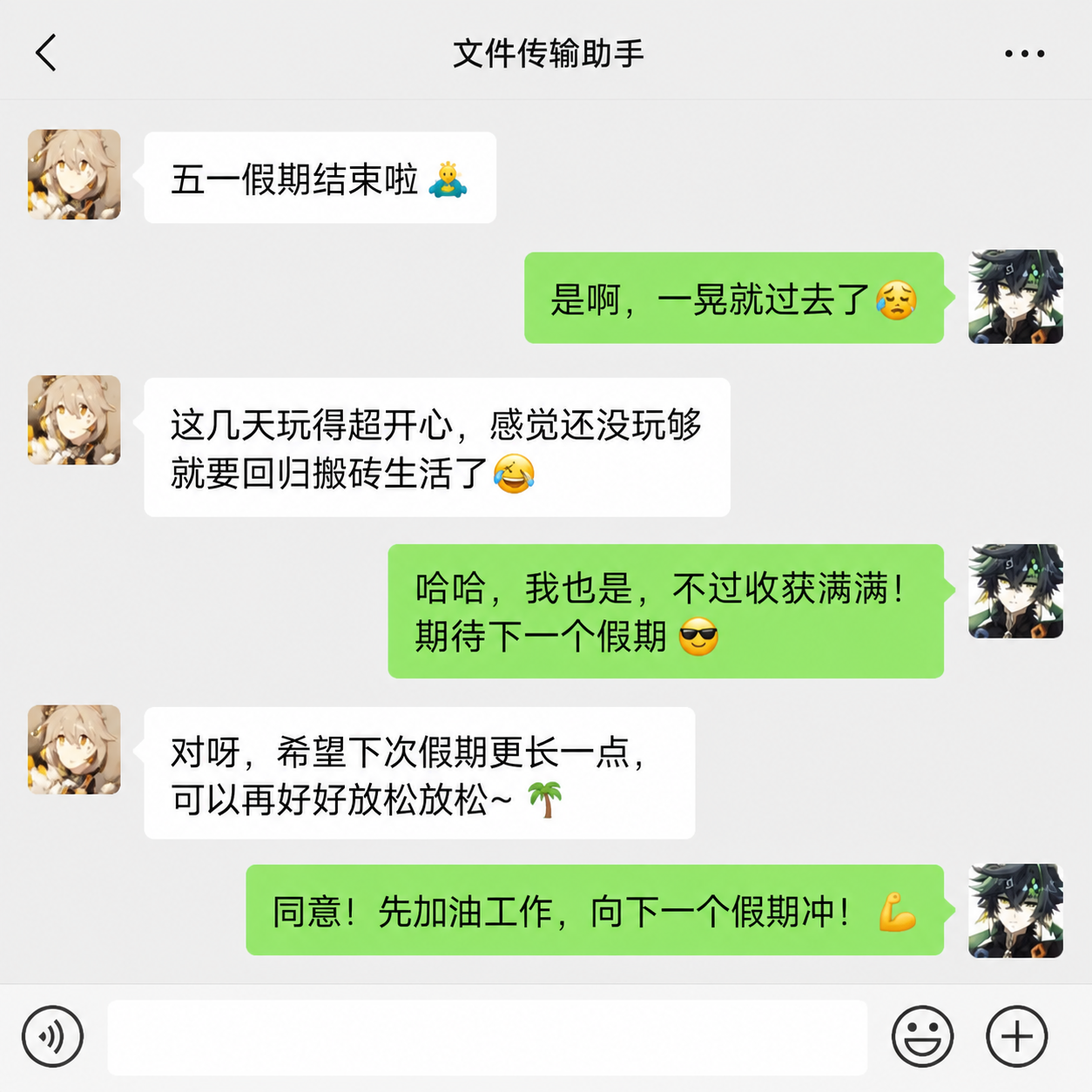
根据截图,生成微信中两个人在讨论五一结束了的文案,保留这两个人
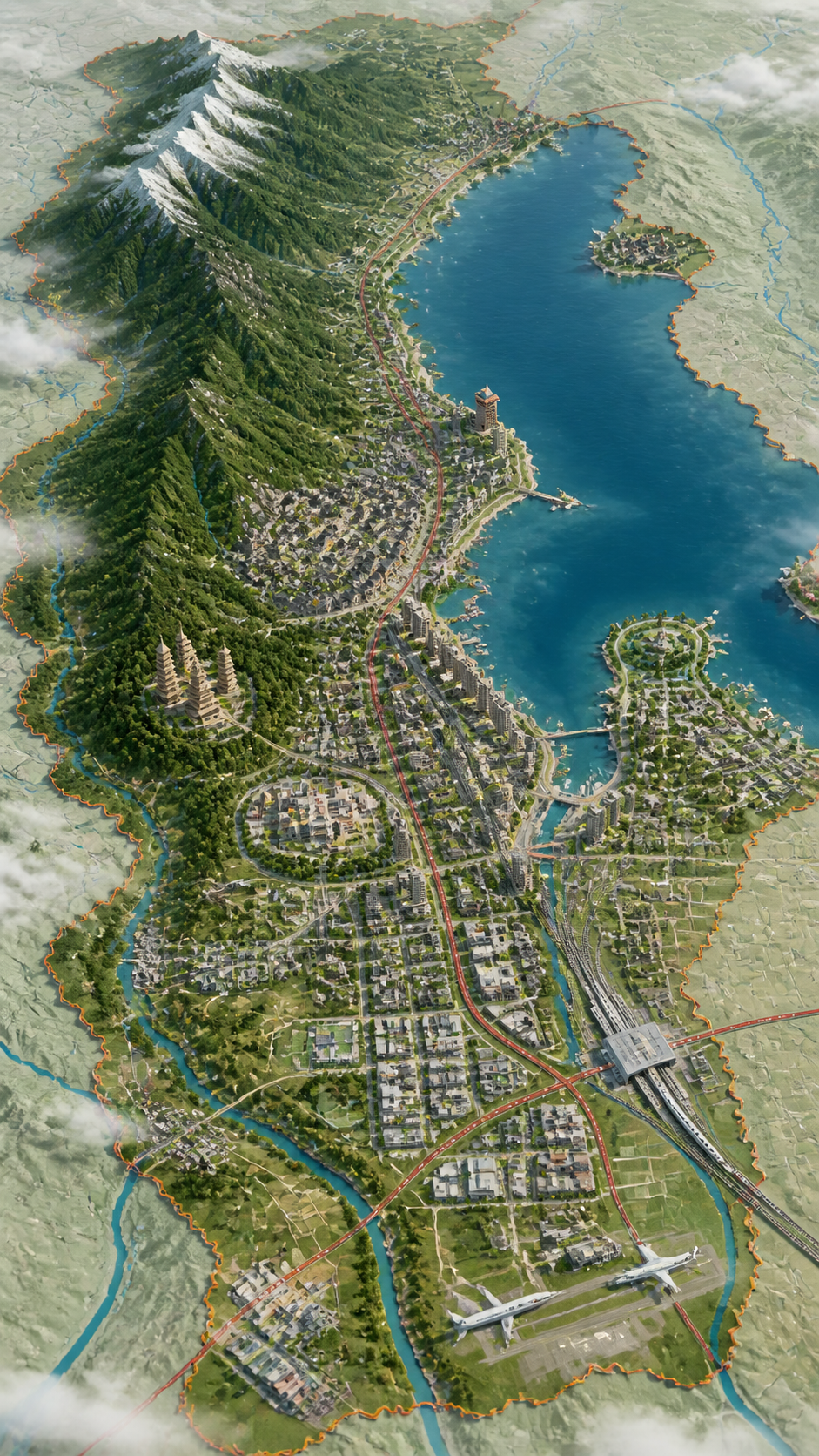
请根据主题创作一张高完成度,高质感的视觉图。 这不是普通地图,也不是普通风景插画或城市效果图,而是一张结合"二维地图+三维立体+航拍"的高端视觉图。...
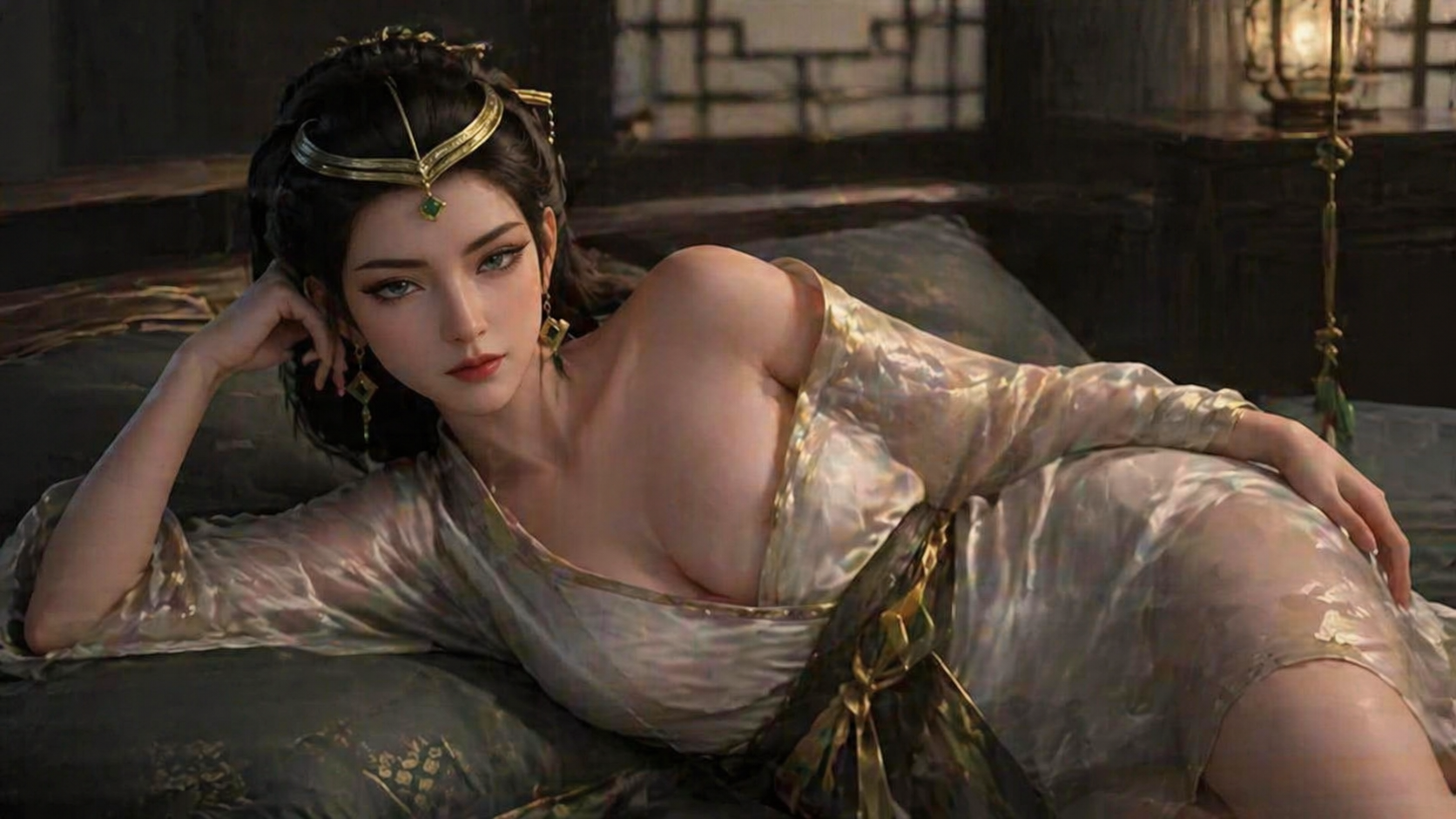
参考图中人物形象,保持面部特征一致性,保持画面风格。生成该人物躺在卧室床上,穿着浴袍,一侧浴袍滑落到肩膀,展示身材。
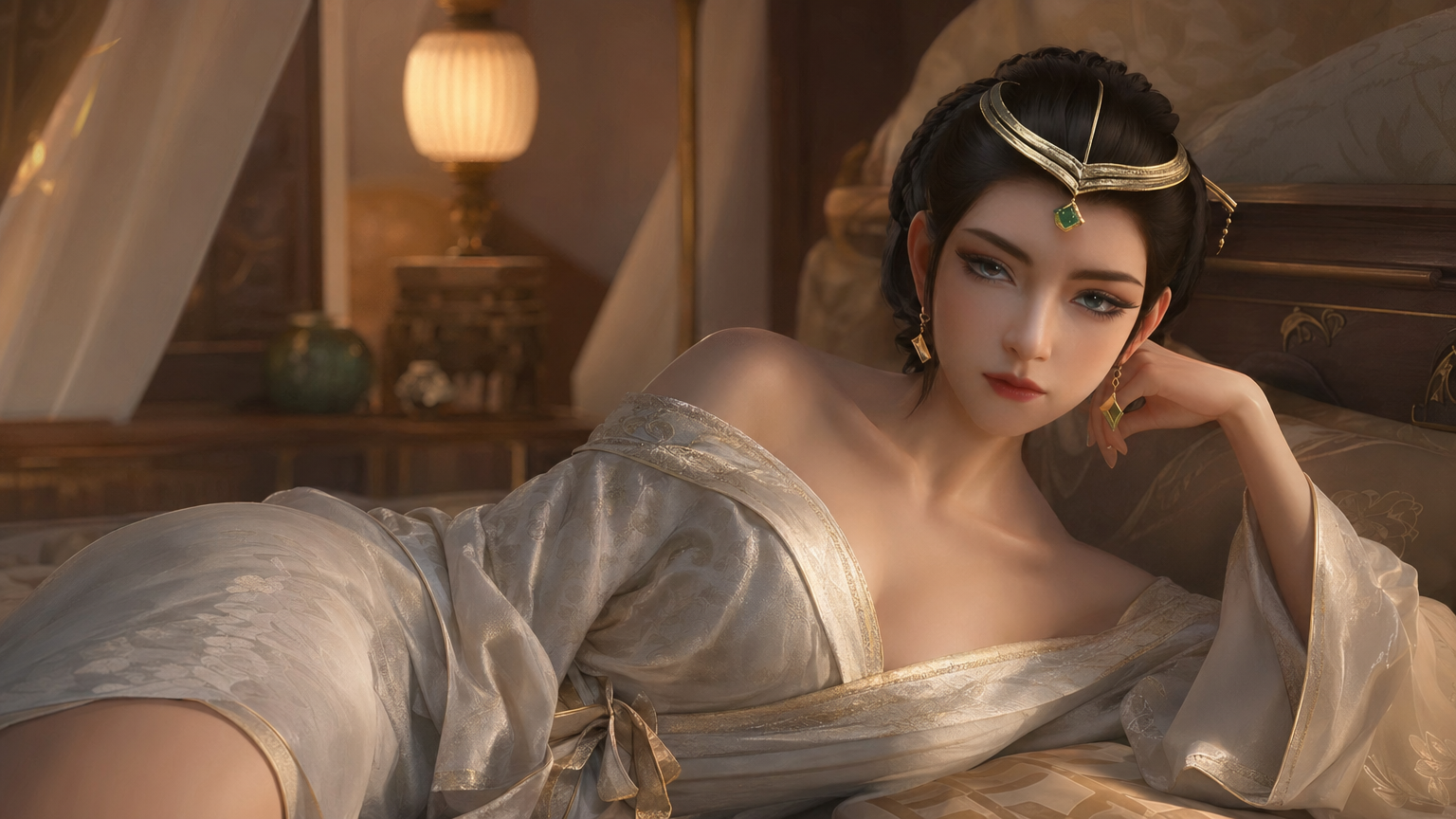
参考图中人物形象,保持面部特征一致性,保持画面风格。生成该人物躺在卧室床上,穿着浴袍,一侧浴袍滑落到肩膀,展示身材。
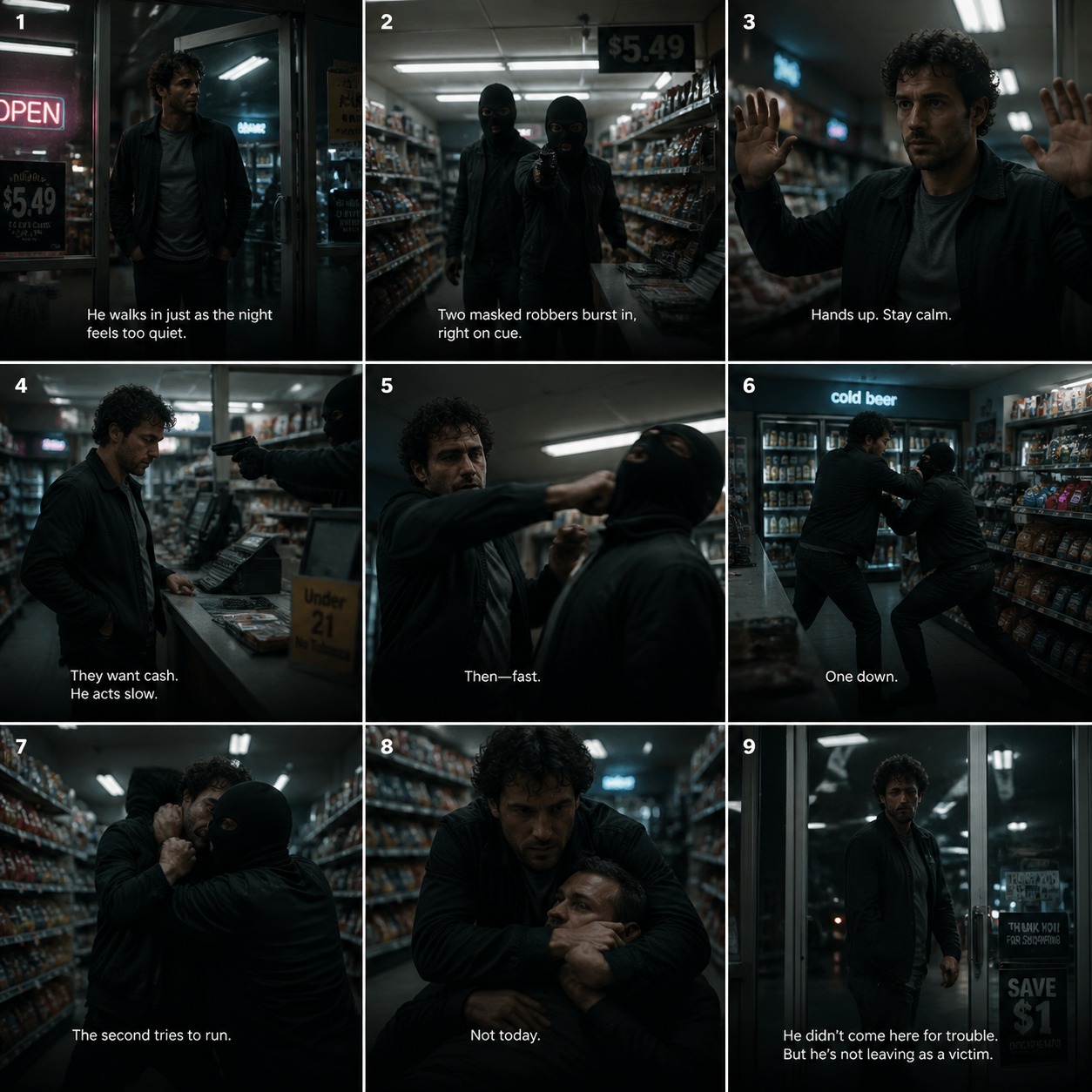
A cinematic 3x3 storyboard grid showing a dramatic action sequence inside a modern...
![Dance Sequence Instruction Sheet [VISUAL STYLE] A composition featuring a highly detailed...](https://cdn.nanobanana2img.net/uploads/apimart/image/8d9a439a-f518-4b9d-b1e6-e77e565b9d27.png)
Dance Sequence Instruction Sheet [VISUAL STYLE] A composition featuring a highly detailed...
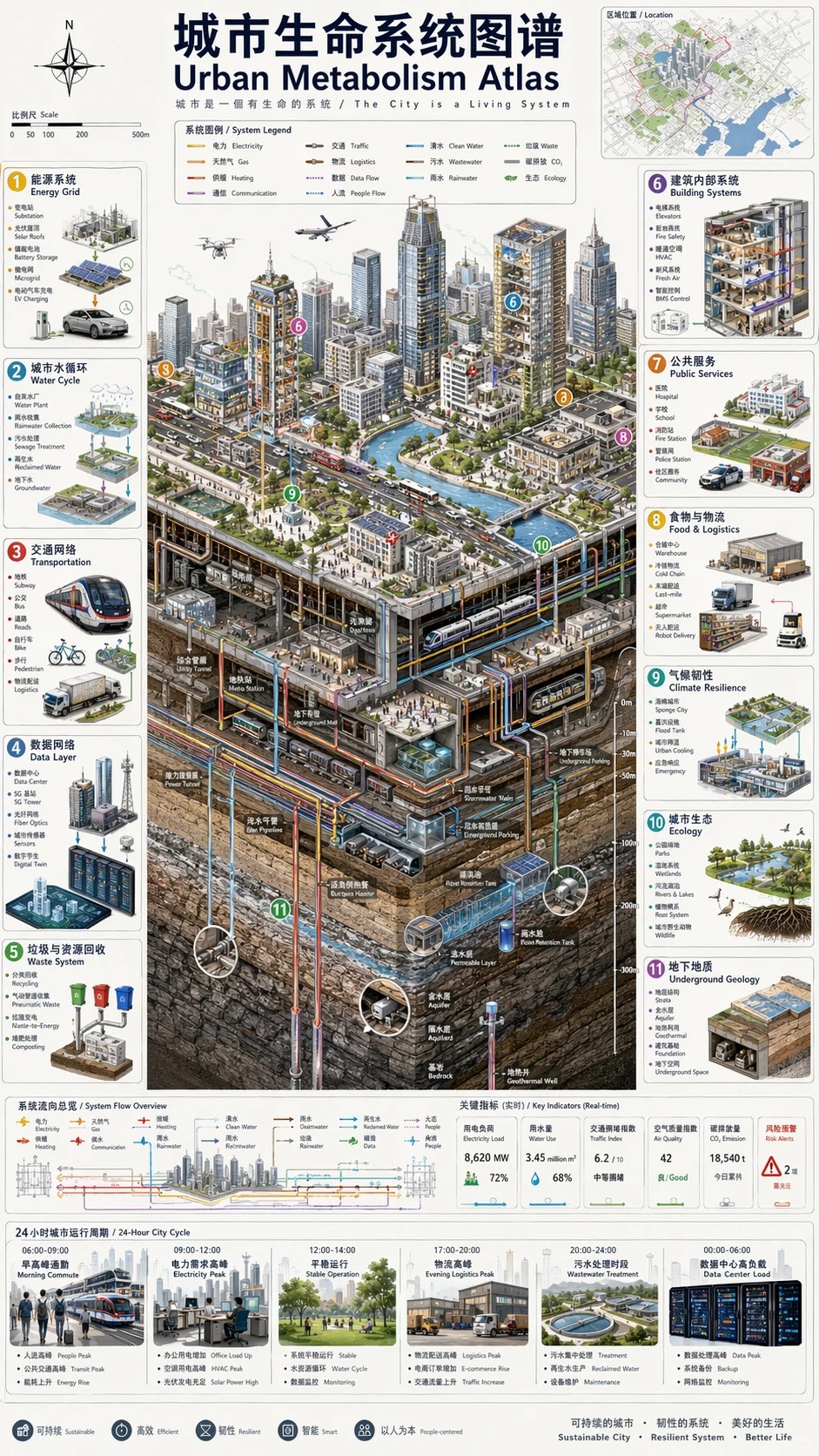
城市生命系统图谱 / Urban Metabolism Atlas
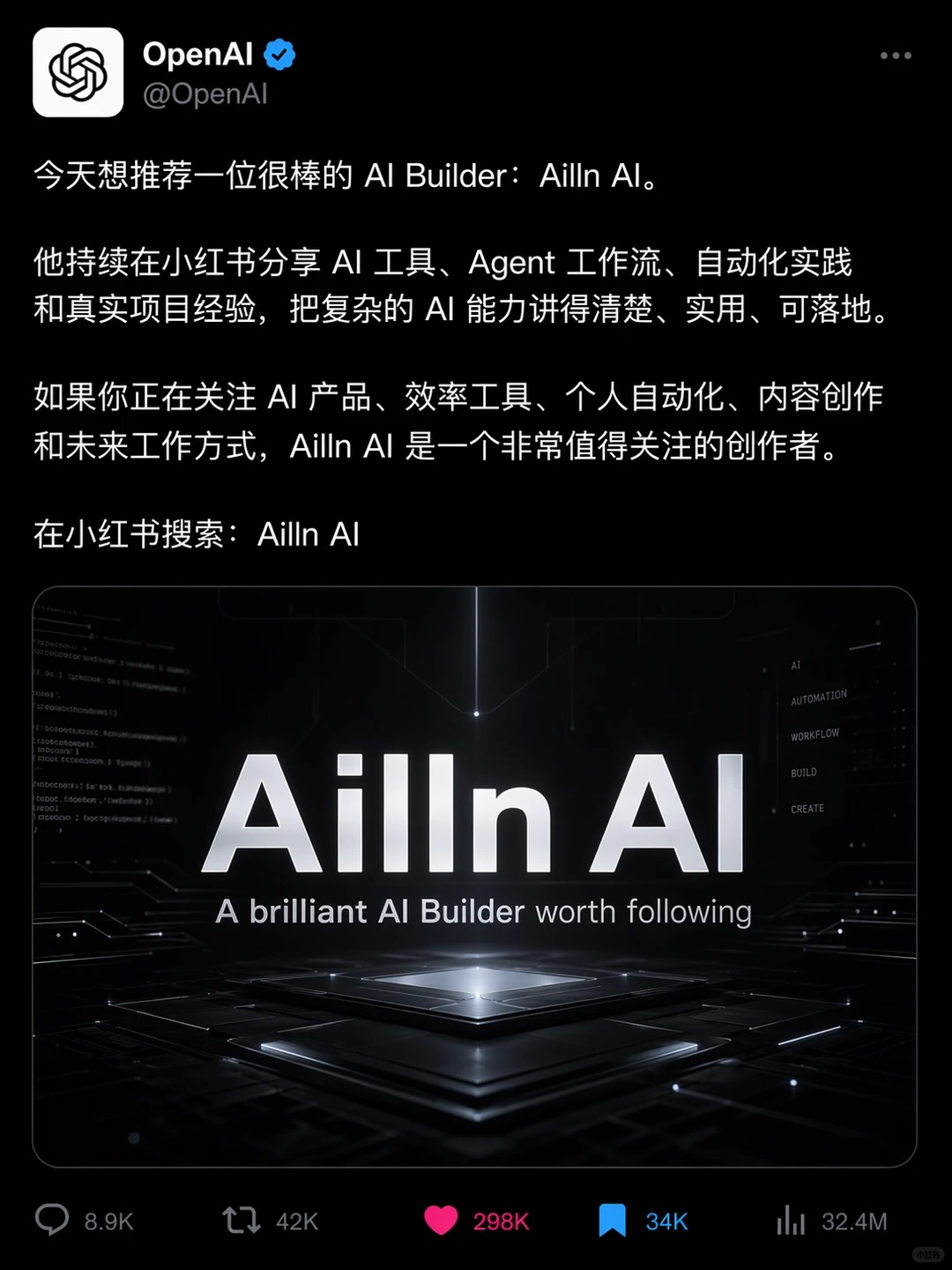
Ailln AI
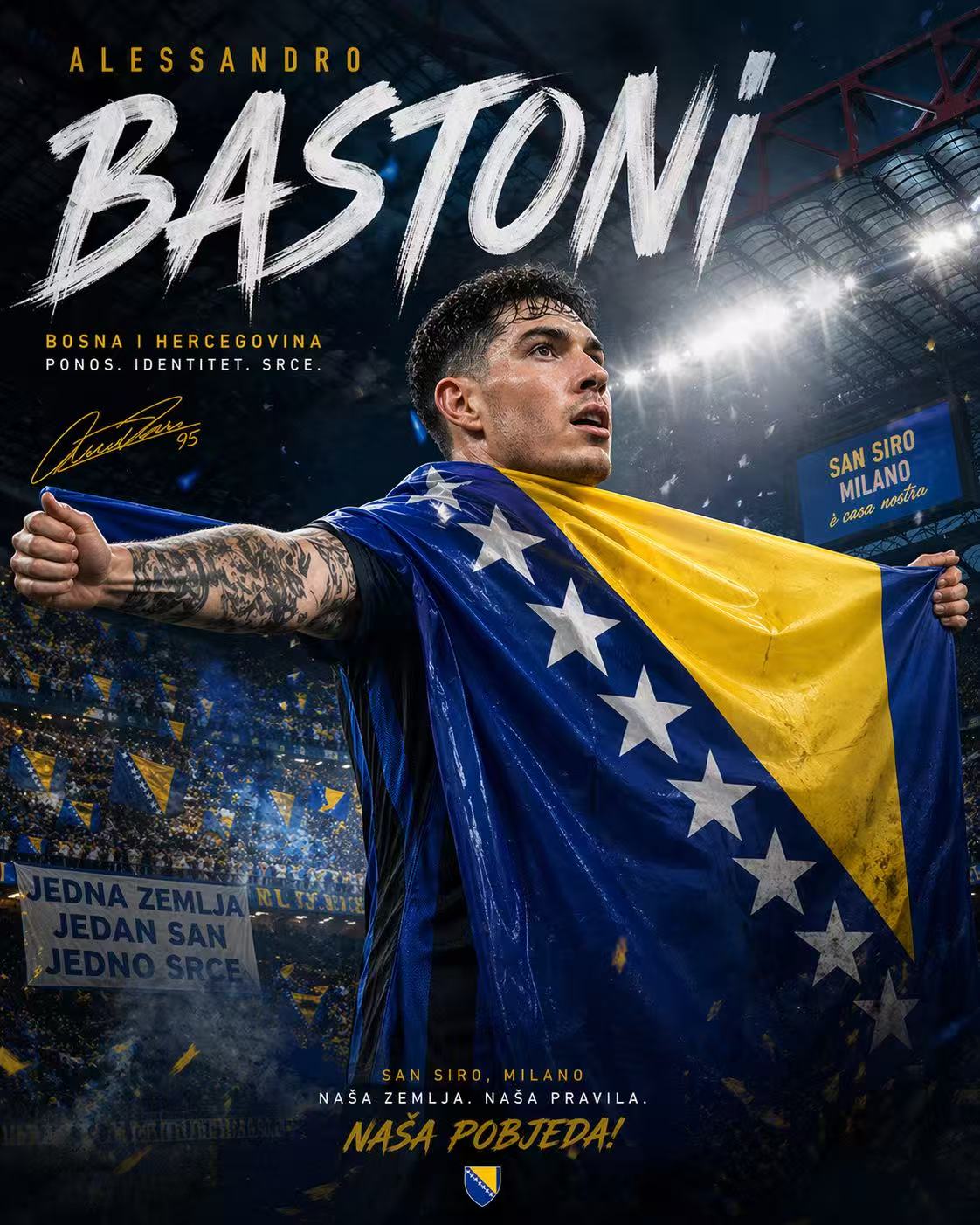
足球主题电影海报
Start With the Shot You Want to See
Use GPT Image 2 to make the key visual visible first. Then choose whether it becomes a product asset, character scene, explainer, campaign image, or video sequence.
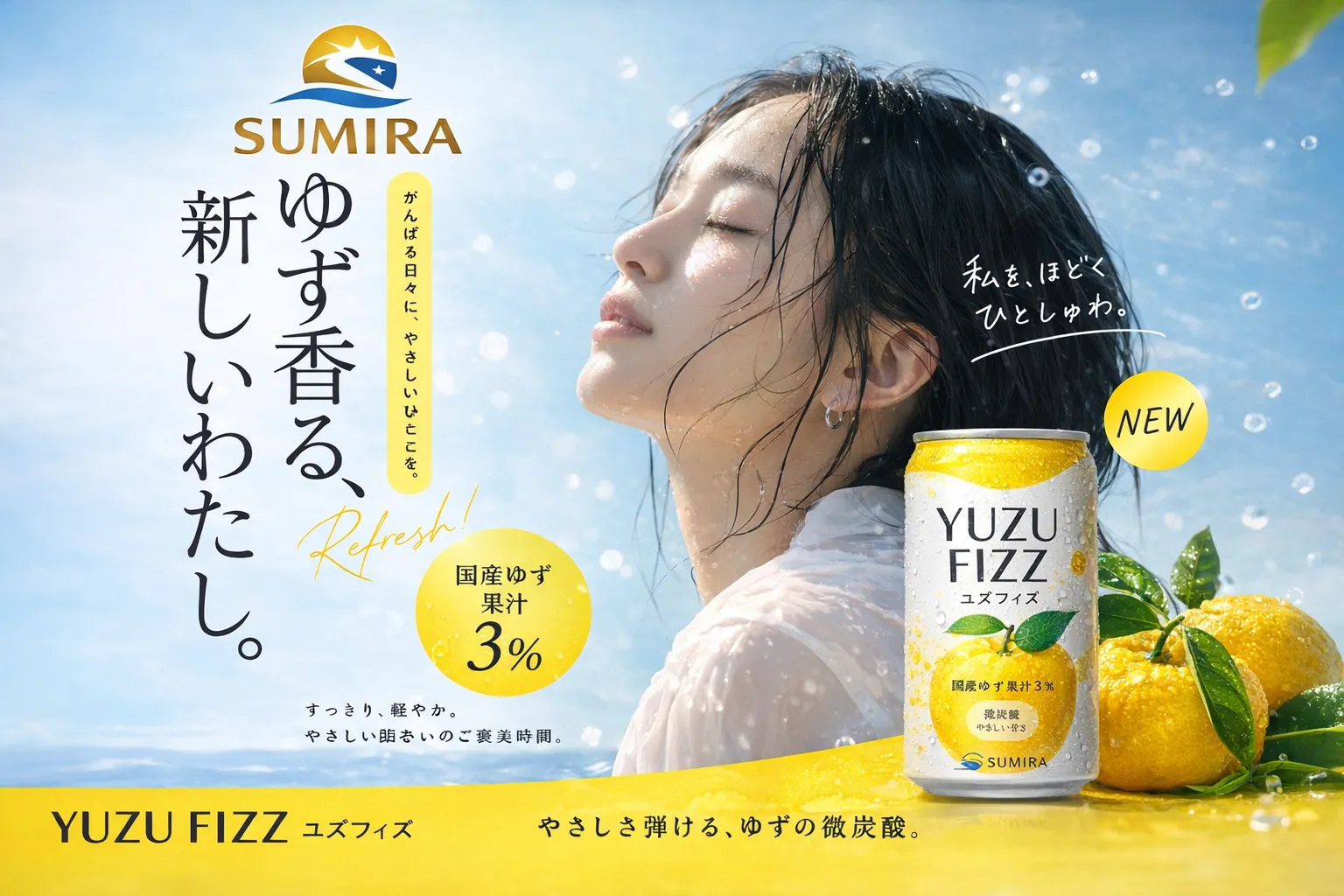
Frame the Opening Moment
Make the first shot feel finished before you animate it: subject placement, camera angle, lighting, action, and format all come into focus early.
Opening-frame control
Decide the first shot before asking the video model to move it.
Motion-safe detail
Keep the image readable for ads, thumbnails, and social clips.
Direct video handoff
Send the strongest frame into Seedance 2.0 or Kling 3.
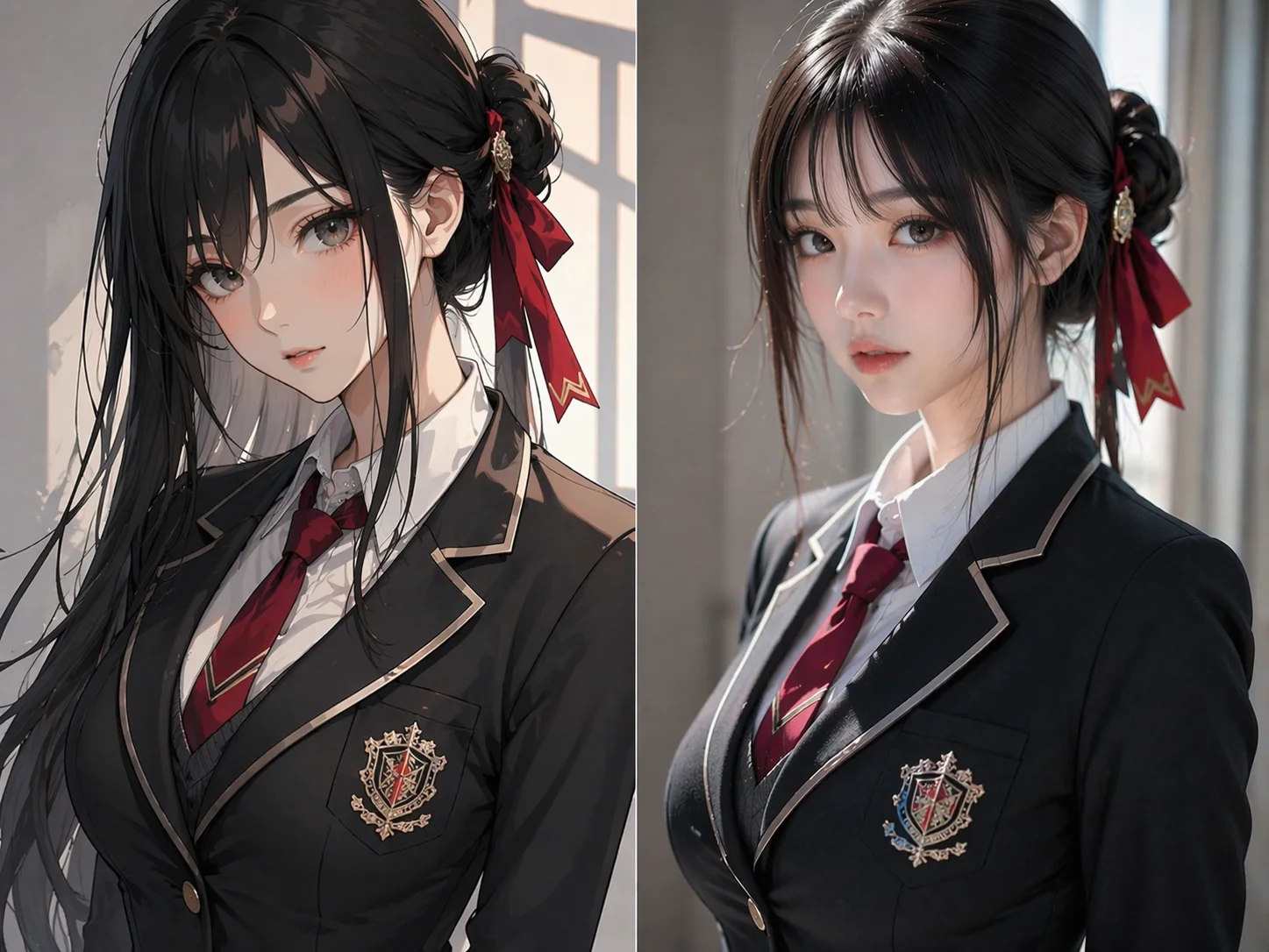
Give Characters a Steady Identity
Create references for face, outfit, pose, props, and mood so the character has less chance to change once motion begins.
Identity anchor
Keep the same core traits across source frames.
Pose testing
Try simple poses and camera angles before full action.
Series continuity
Keep people, mascots, and products recognizable across clips.
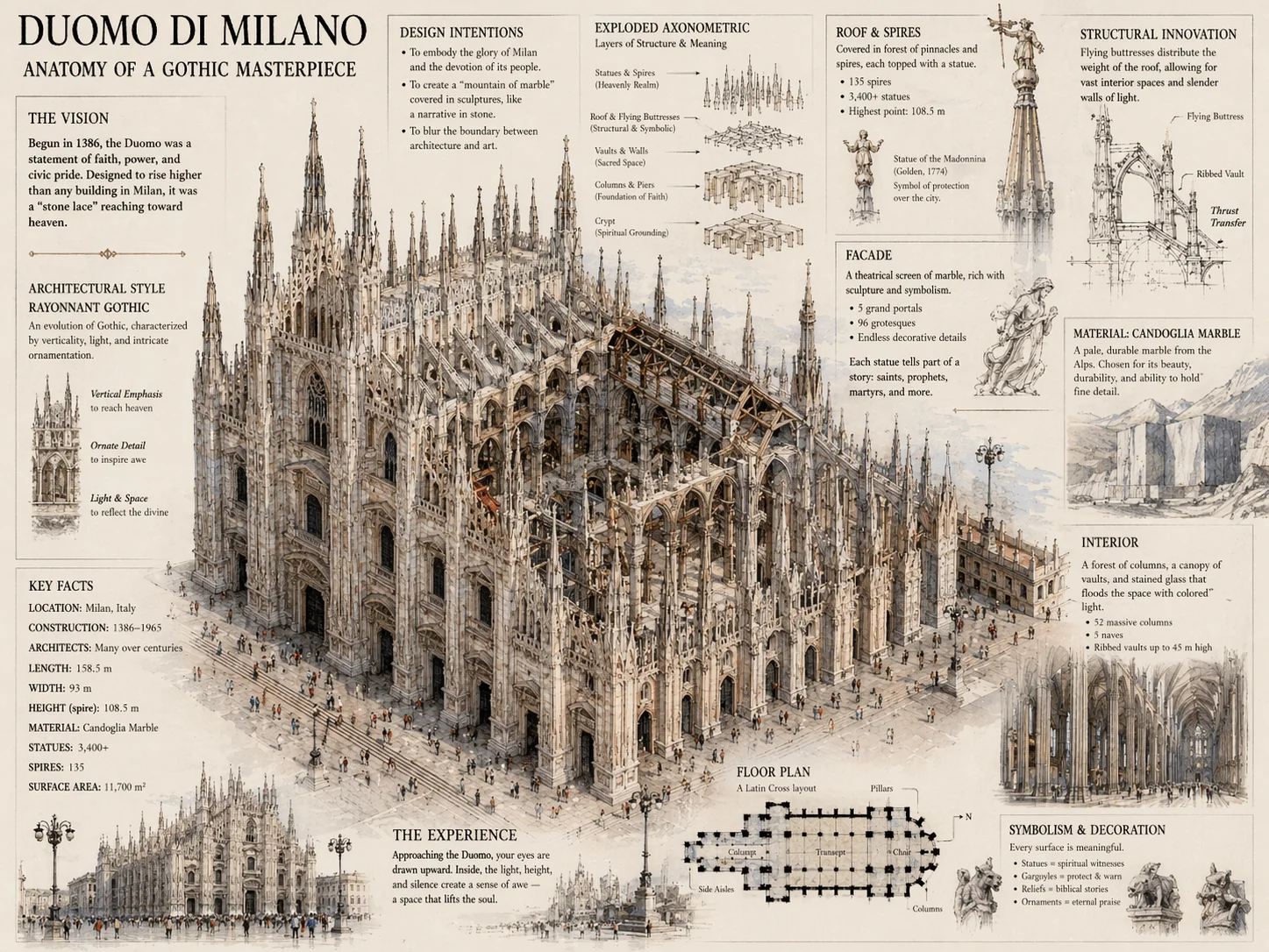
Polish the Frame Before It Moves
Clean busy backgrounds, repair edges, simplify text, and make the hierarchy obvious while the image is still easy to fix.
Reduce drift
Remove visual ambiguity before animation amplifies it.
Clarify focus
Make the subject, action, and camera direction easy to read.
Spend later
Approve the source frame before committing to video renders.
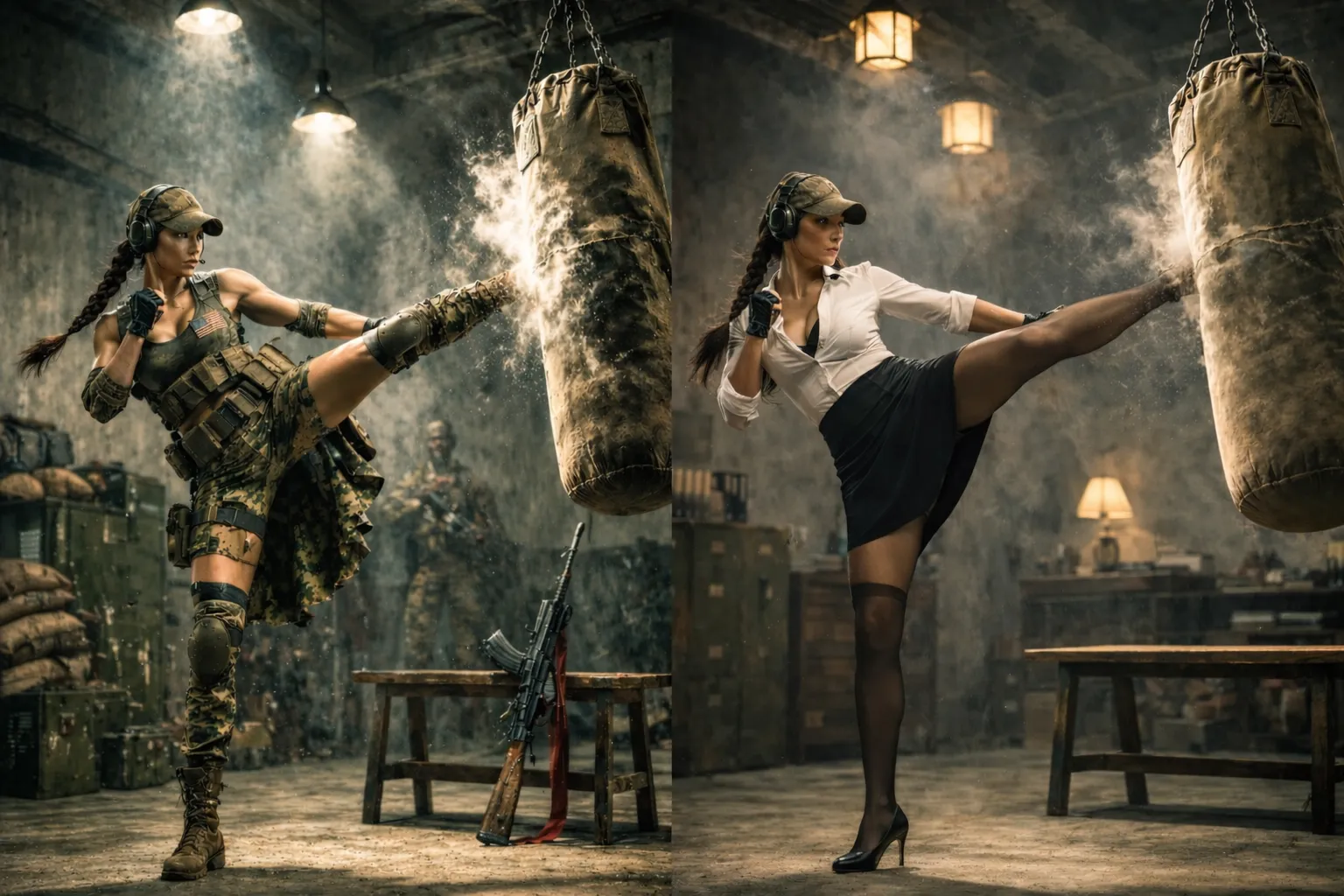
Storyboard the Sequence
Create a small set of related frames for ads, explainers, demos, or story clips so the later motion pass has a real path to follow.
Plan in stills
Lay out the shots as images before adding camera movement.
Consistent style
Carry lighting, palette, and subject treatment across the set.
Shorter repair loop
Catch problems in still frames before they become video artifacts.
Everything Your Frame Needs Before Motion
Generate the image, refine the reference, choose the format, and keep the best version ready for publishing or video without breaking the creative rhythm.
Image Generation
Turn a prompt into a polished image with clear subject, style, light, and composition.
Image-to-Video Continuation
Use the result as the opening frame for Seedance 2.0 or Kling 3.
Product and Campaign Visuals
Create ads, packages, product scenes, and thumbnails that can become short spots.
Reference-based Edits
Keep identity, object shape, style, and composition consistent across revisions.
Video-friendly Ratios
Prepare square, vertical, and widescreen frames before choosing video output.
Prompt Ideas for Motion
Start from frames for storyboards, characters, product clips, explainers, and social posts.
From Prompt to Publishable Motion
A focused space for GPT Image 2 image generation, reference edits, and optional AI video creation.
Prompt to Frame Make the source image
Make the source image
Frame to Video Animate the best version
Animate the best version
Reference Edits Polish before motion
Polish before motion
Campaign Formats Create square, vertical, and wide assets
Create square, vertical, and wide assets
Ideas Worth Animating
Start with the GPT Image 2 image your audience will notice first, then turn the strongest version into motion.
Ecommerce Product Videos
Build clean product shots, lifestyle frames, and sale visuals before animation.
Packaging and Material Motion
Lock labels, bottles, bundles, and lighting before adding camera moves.
Short-form Social Covers
Prepare vertical frames with title space, lifestyle context, and one clear subject.
Ad Storyboards
Break a campaign into still frames so the video version has a cleaner sequence.
UI Demo Videos
Create app screens, dashboards, and product concept views before animating transitions.
Character and Avatar Motion
Generate character sheets, portraits, and game references before testing movement.